
How do I get Identical Itinerary Legs to display
Because the Itinerary forms were designed to minimise duplication of the legs in a given trip you'll need to drill down to the leg you wish to have included in the output and edit Departure/Check in/PickUp fields to include the Date AND Time with the time in the Duplicate form set to ONE (1) minute later than that of the matching Itinerary leg
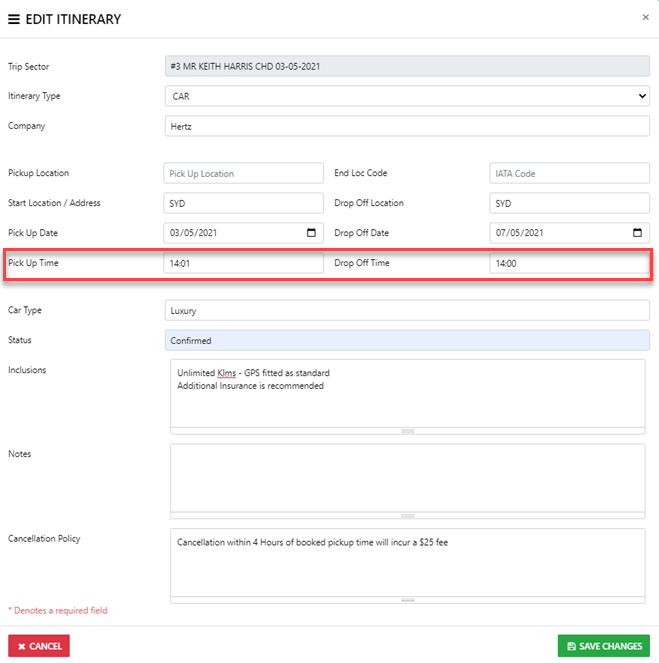
NOTE: By default the Itineraries auto sort on the Date & Time fields in Every Instance