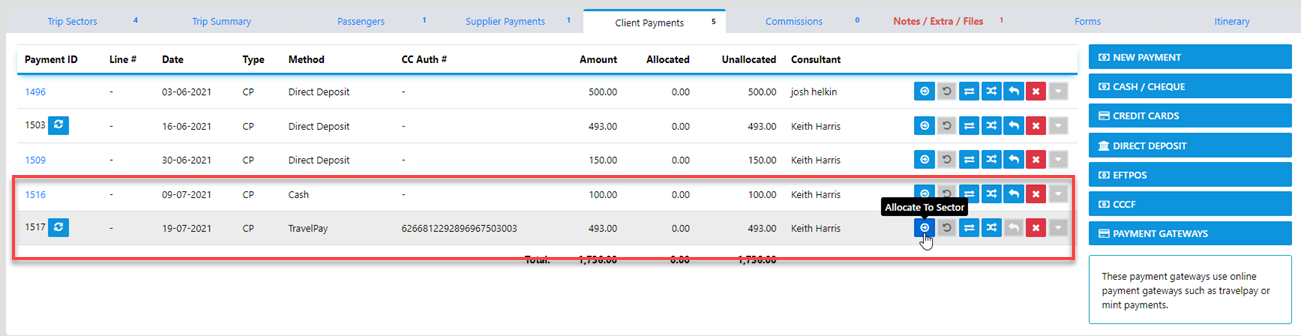
The Payment Gateway in VTO Ultimate accommodates TravelPay, Mint and Stripe
To gain access to this functionality you need to have an account established with your preferred gateway provider.
Once the facility has been established and you credentials loaded to your DB you are good to start processing.
With TravelPay you can Tokenize client credit cards for re-use when the client or their card is not present
Mint however only provided Tokenization via their portal which at this time is not available to us
Stripe also provided the Tokenization process
What is Tokenization
Tokenization is the process used to collect sensitive card account details, or personally identifiable information (PII), directly from your customers in a secure manner.
How do I process a Payment via the Payment gateway ?
In the Trip Select Payment Gateways
then Select your Preferred Method from our options currently available including
Kovena, TravelPay, Fat Zebra, Stripe, PayID and Mint Payments
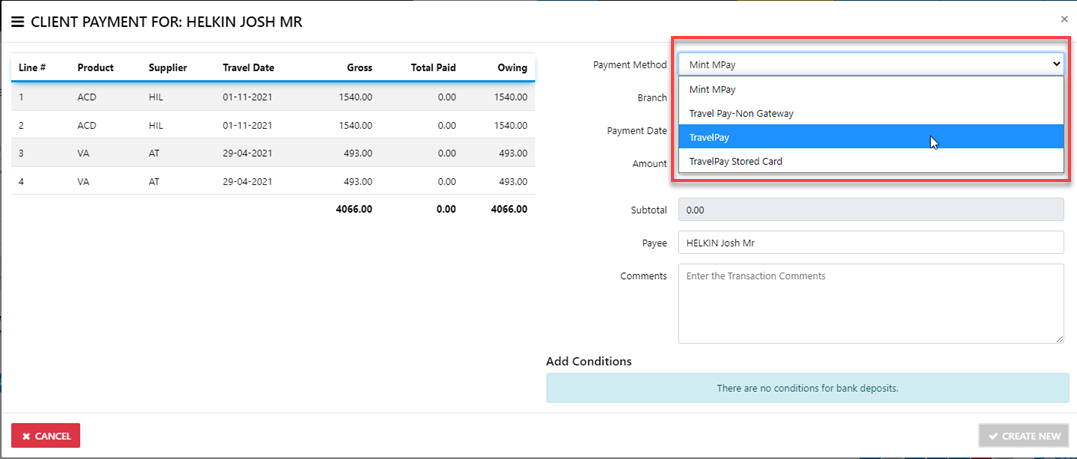
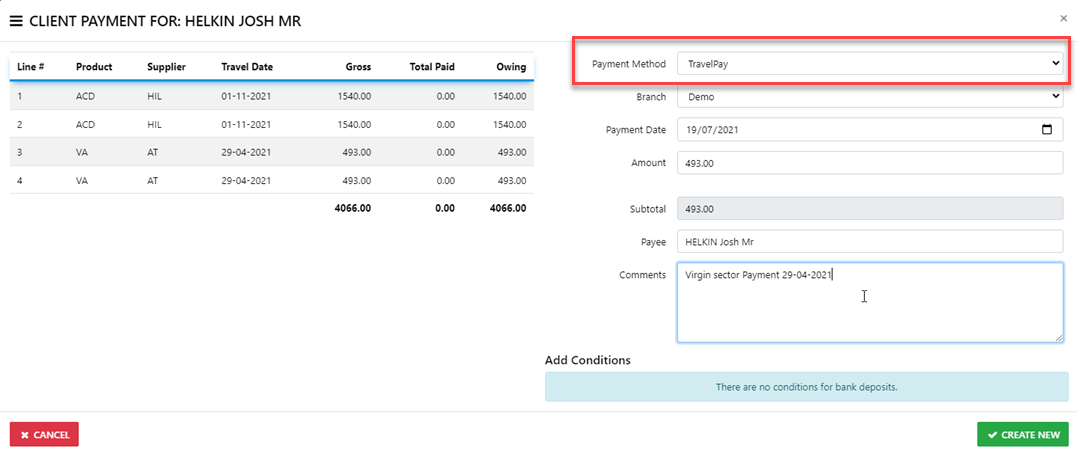
Next enter the relevant details for the transaction
then select "Create New"
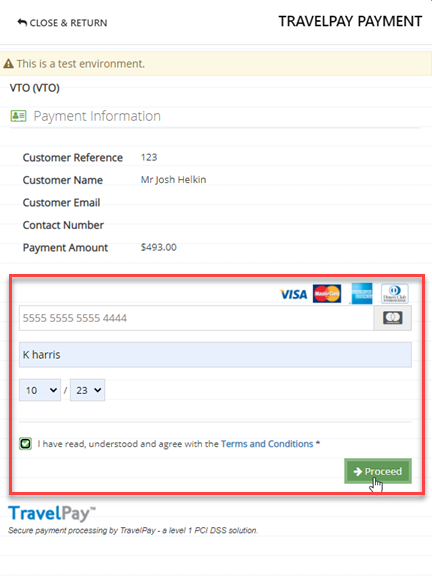
Now you will be transferred to the TravelPay Portal
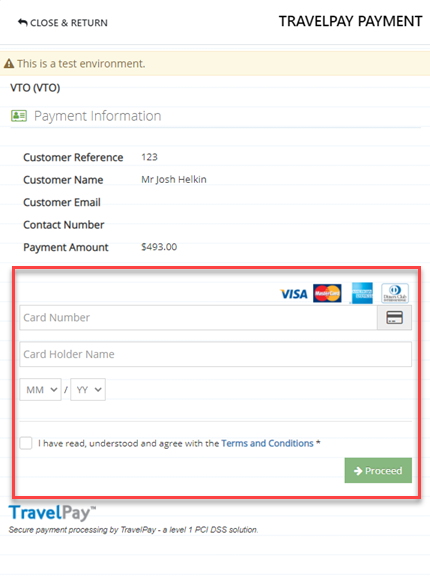
from here you need to enter the Card Number - name on card and expiry date etc then - Select Proceed
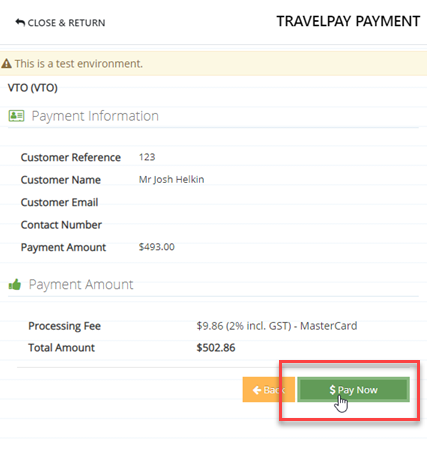
The gateway transaction will continue to process alerting you to the transaction fee
Select "Pay Now"
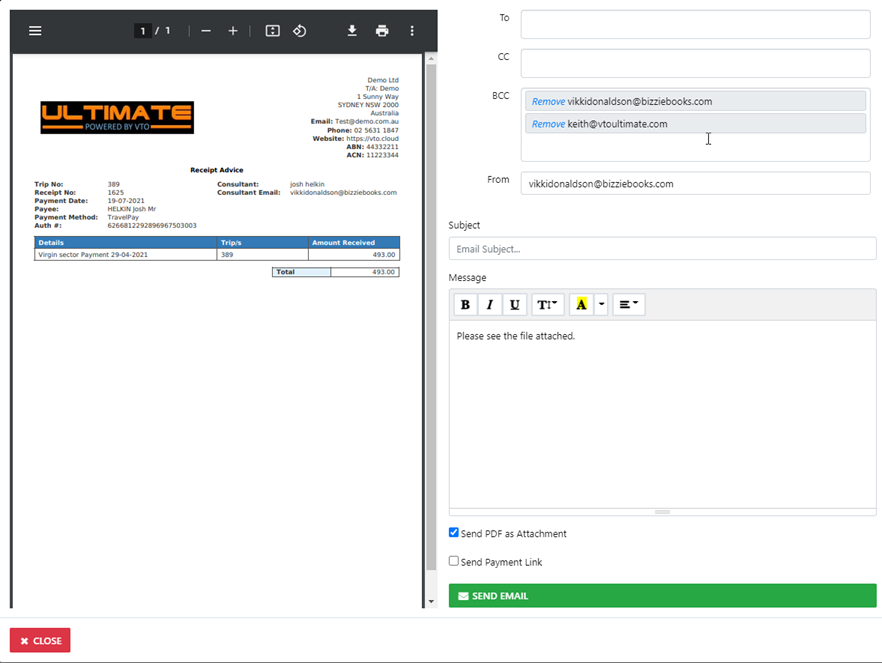
And the receipts will display which you can print or email to your client
In trip you will be able to see the payment details which require your intervention to Allocate to the sector