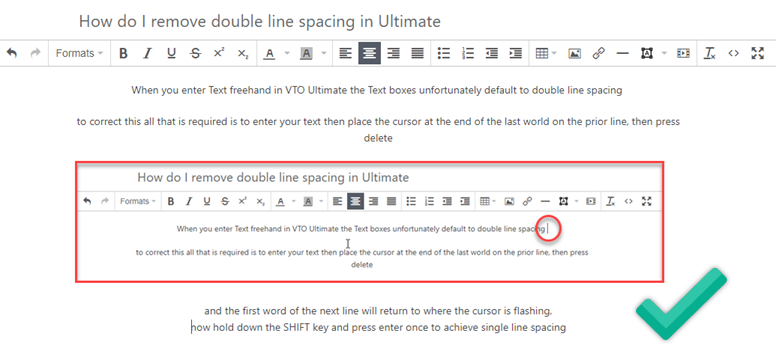
When you enter Text freehand in VTO Ultimate the Text boxes unfortunately default to double line spacing
to correct this all that is required is to enter your text then place the cursor at the end of the last world on the prior line, then press delete
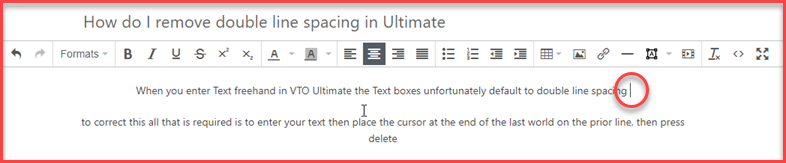
and the first word of the next line will return to where the cursor is flashing,
now hold down the SHIFT key and press enter once to achieve single line spacing