
sometimes the need arises for being able to Cancel / REVERSE a client payment maybe because you have entered the wrong payment method or the like ... so lets take a look at how simple this process is.
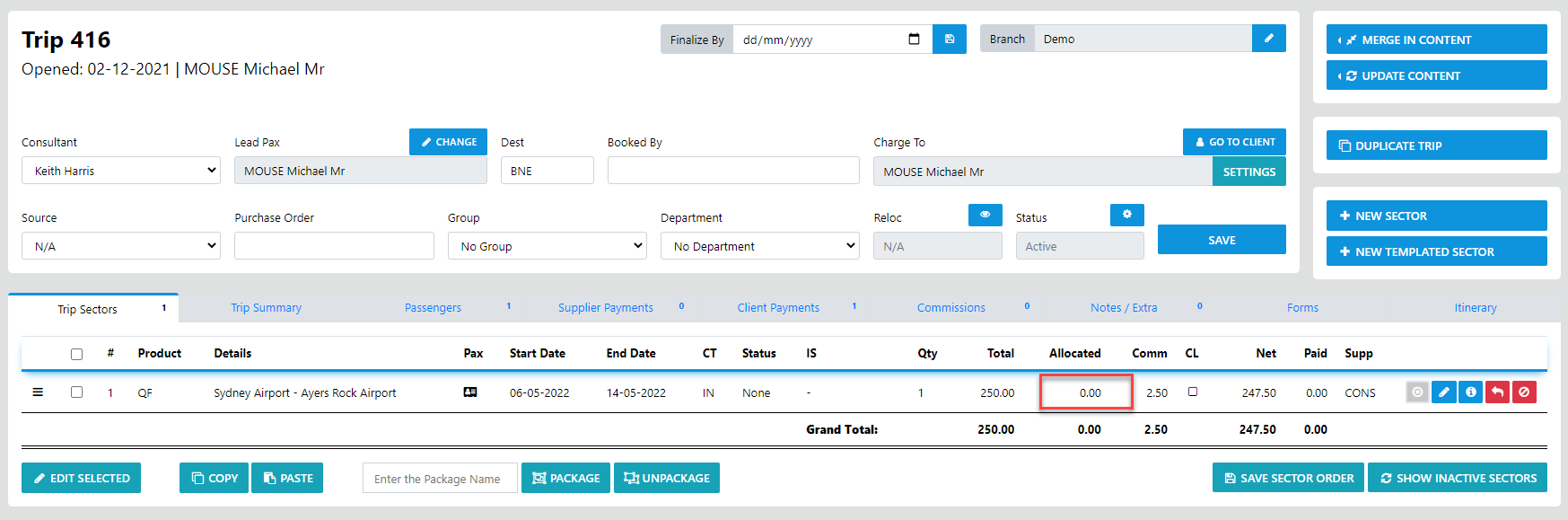
First of the Client Payment needs to be UN-ALLOCATED from the trip sector
that being the cae just select the Client Payments TAB and the blue back curl arrow icon adjacent to the payment you need to undo/ Reverse
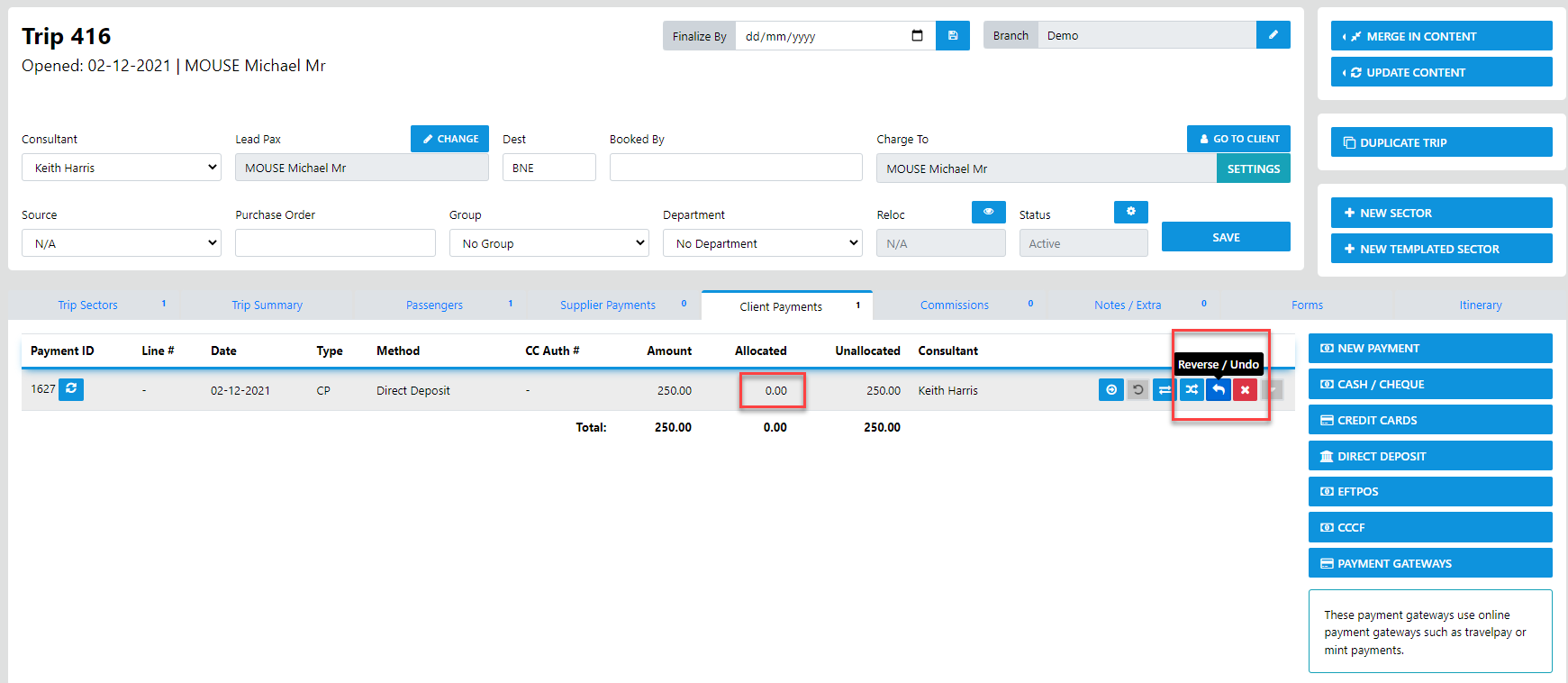
and once you select the Undo/Reverse option the following form will display
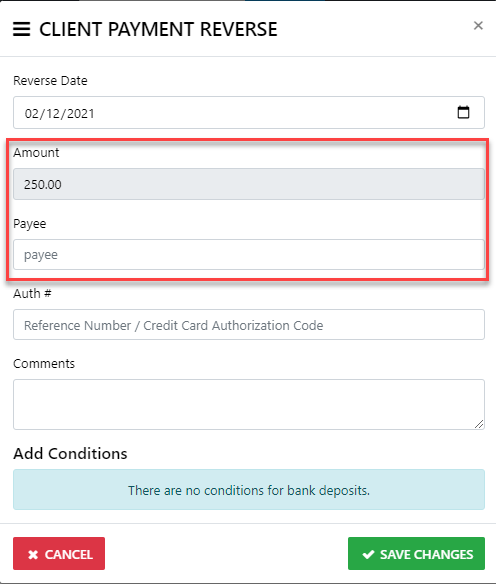
just enter the amount and select the payee ... then save the changes