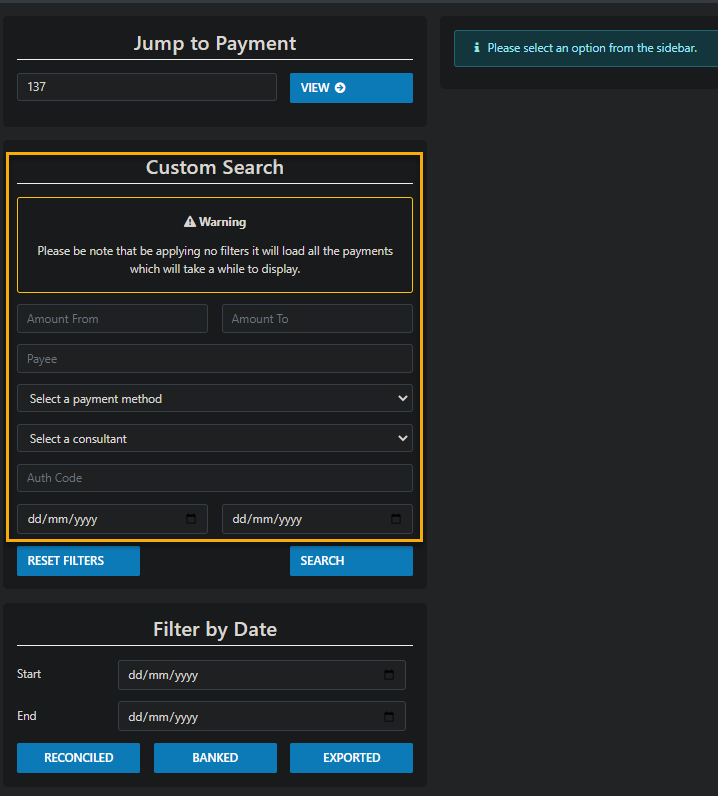
The Payment Lookup option located und the ADMIN option on the top tool bar can be used in may ways from entering the paymentID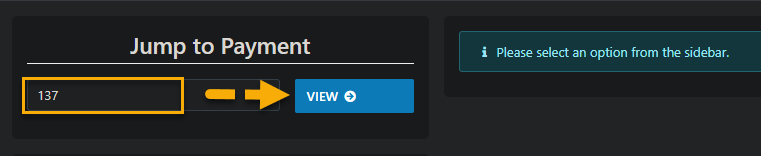 then drilling down on the result label either Client OR Supplier
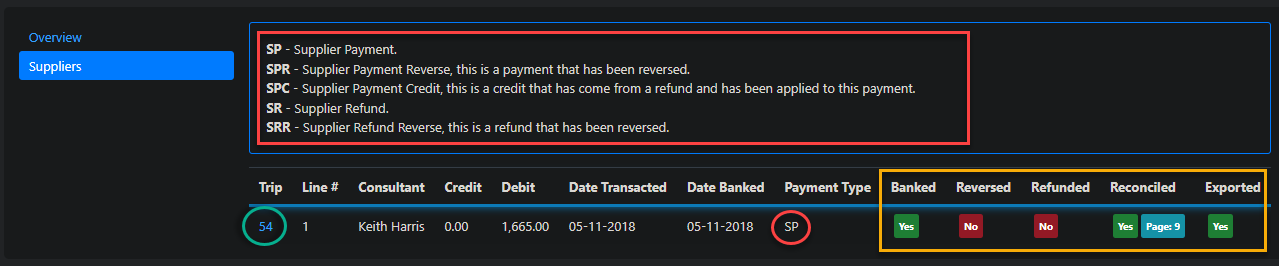
As you can see below the Payment Type has the full legend description
You can clearly Identify status of the transaction
And you can drill back down to the trip if necessary
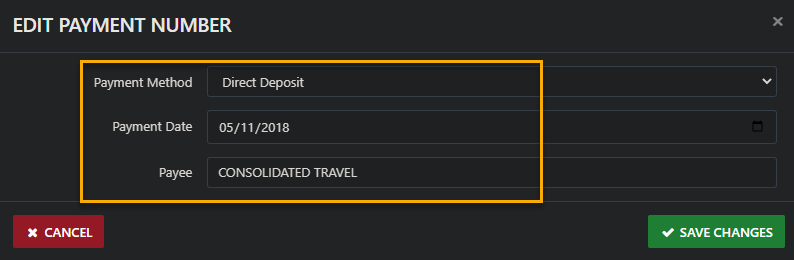
 You also have the added option of updating the Payment Method
The Payment Date
OR the Payee if required by selecting the Edit Details Option
There is a whole lot more you can if and when the need arises including filtered searches via the Custom Search Option