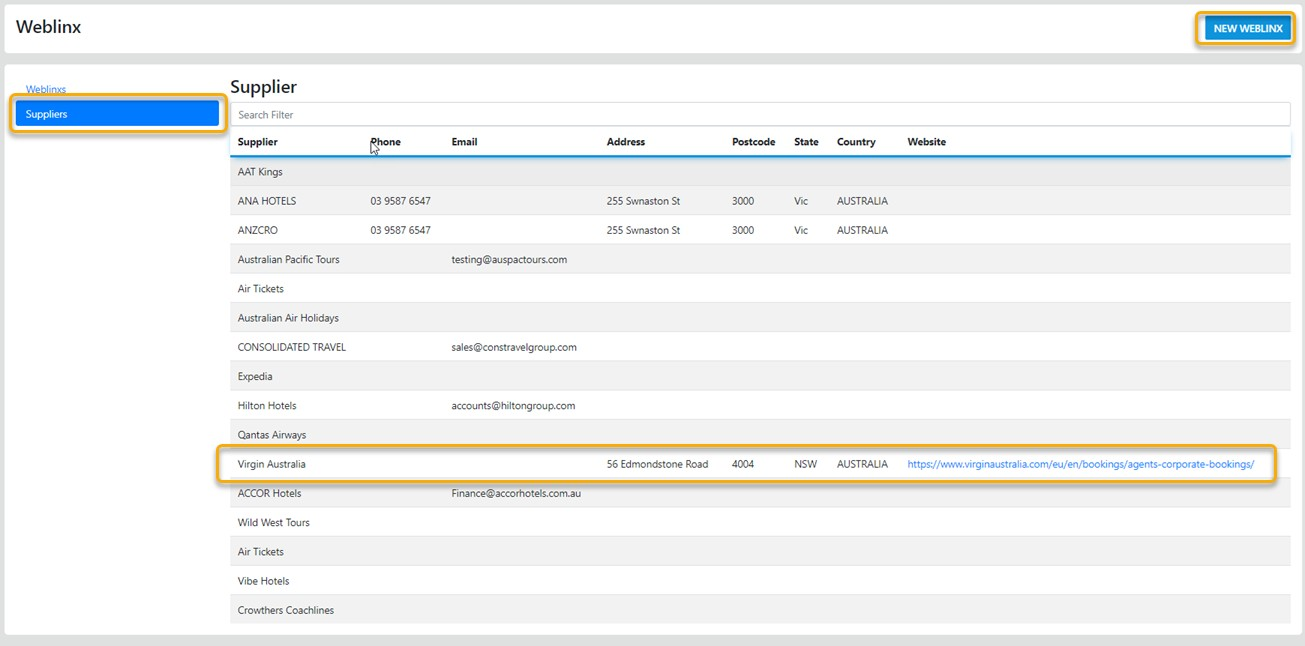
Weblinx
Select this option to access a list of your Preferred Suppliers Web Site
To visit the Supplier site just select URL
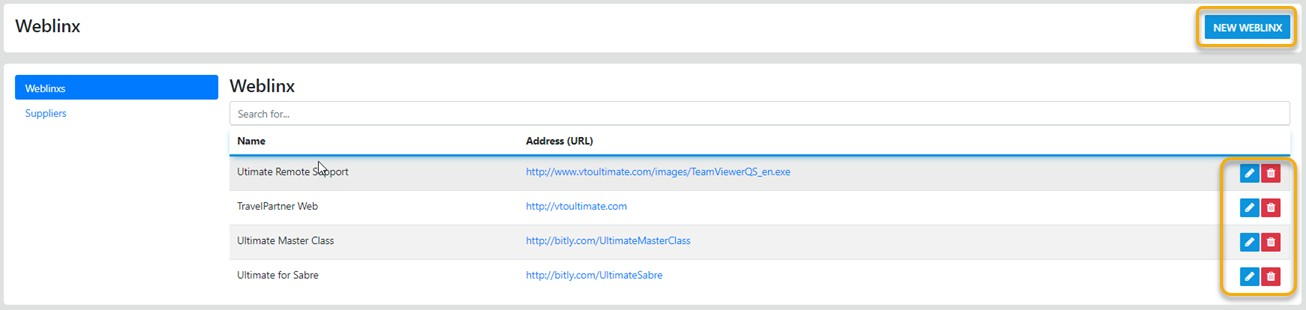
Add New – this option allows for Easy Add which will add in the Name and the URL from the Supplier Profile – then you can set to active and Save, Otherwise you can just enter the appropriate details.
Add New – this option allows you to ADD a new site manually, simply enter the address including the http:// to add a secure site to the list INCLUDE the https://