
To update an existing PNR in Vto Ultimate select the "Update PNR" Option
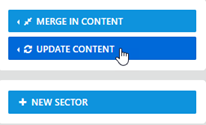
This will pre populate with the current reloc for the trip - if it is blank just enter reloc then Select Update
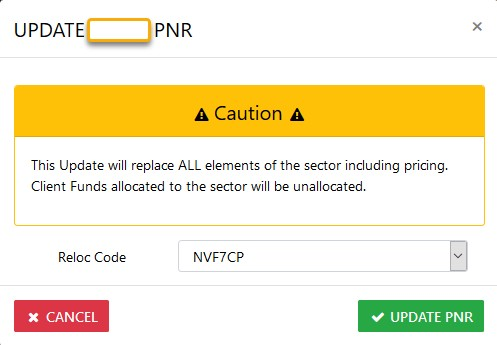
NOTE: Where a sector is selected for Update the following will result :-
The original version of the sector itinerary will be replaced with the new data\
will be removed from the ledger as will the financial's related to that sector IF the costing's have changed otherwise only the itinerary will be updated