
To process this type of Transaction from inside the trip Select the Supplier
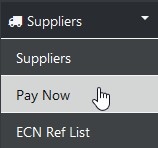
Then select Pay Now
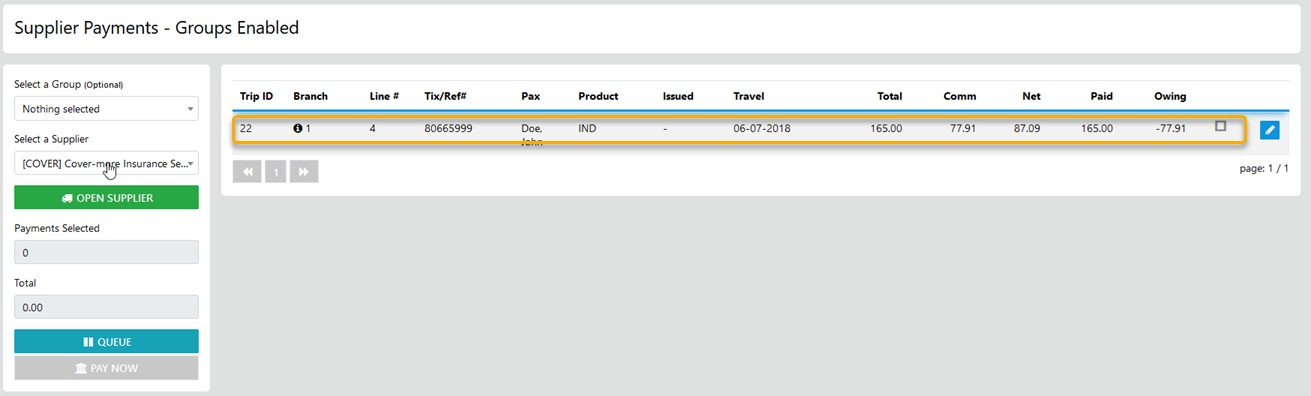
From here select the appropriate line item and apply the required data carefully
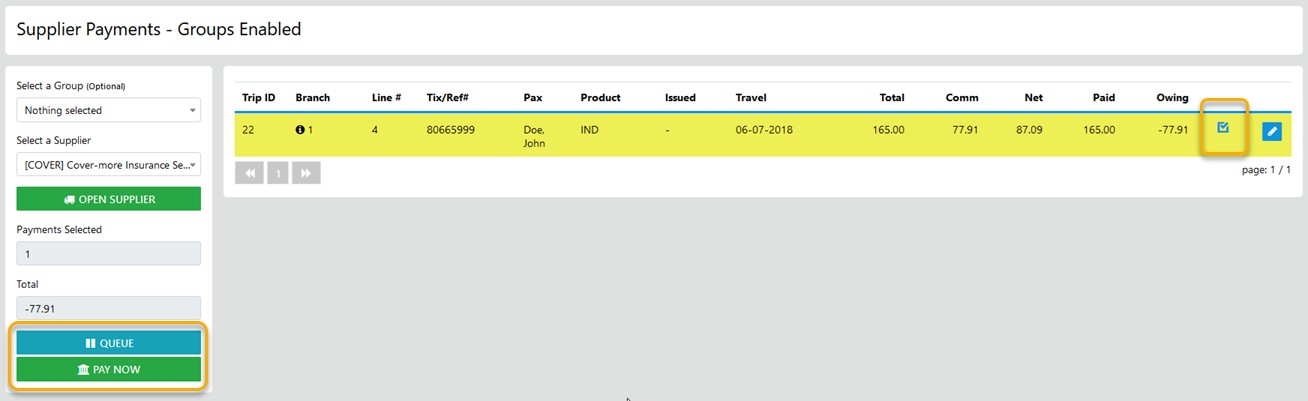

On completion of the transaction select Save Changes
To Process the receipt as a Credit included in a Multi Sector transaction from the sidebar
Select the desired Supplier
Then select the appropriate line items OR if you are wanting to only process the negative value/s as a receipt only select the negative values
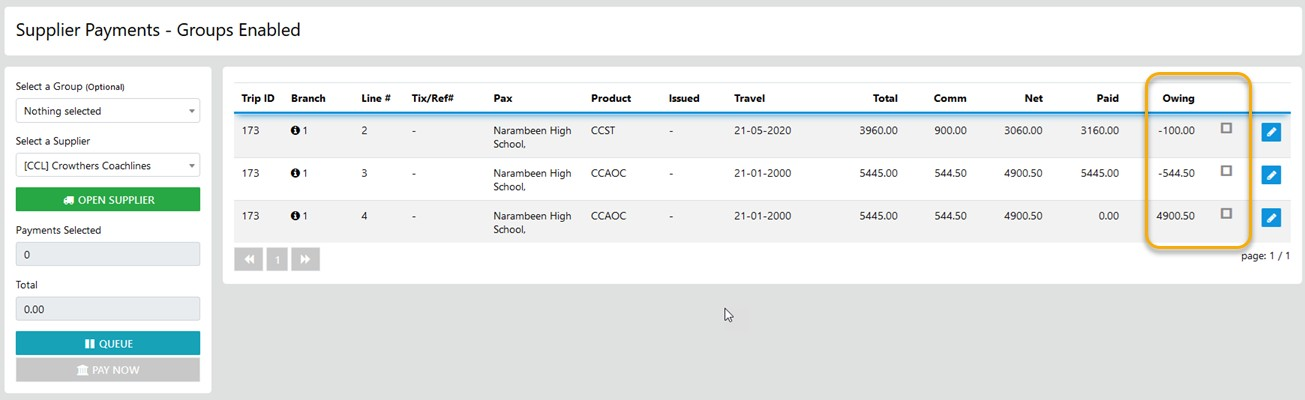
Apply the required data in the Payment form and select Pay Now to complete the transaction