| Select this Icon in the sector to process a refund to a client. |
Refunds in this module should ONLY be used to refund money to a Client (it has nothing to do with a Refund you may have received from a Supplier)
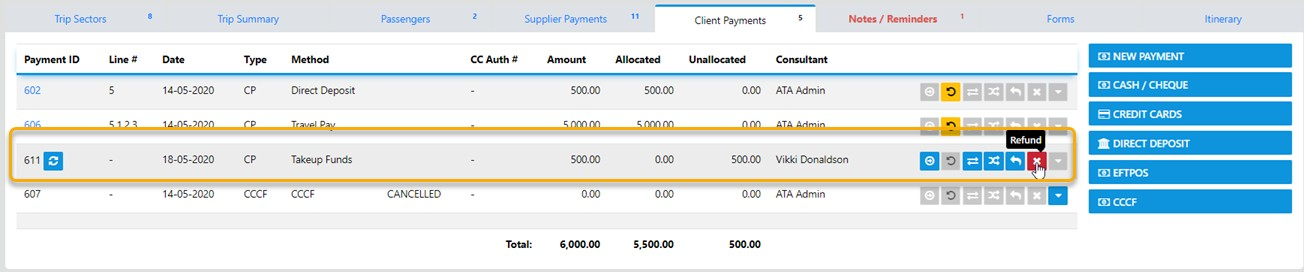
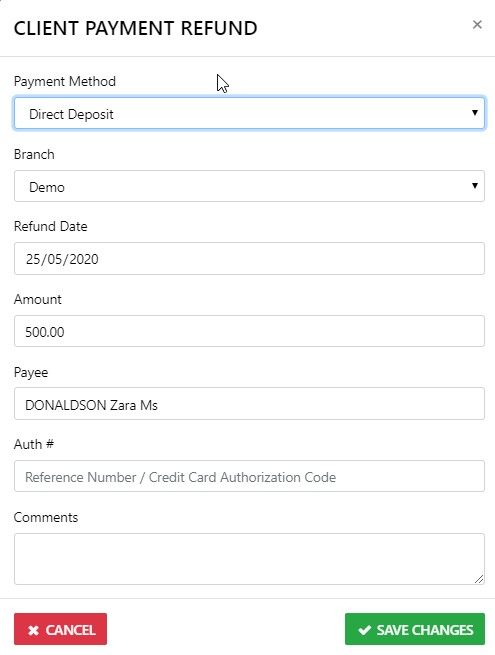
When you select the Refund Icon the following page will display
From here you need to double check the Refund Method you are using
Check the Refund date
Double check the Refund amount
Make sure the person you a refunding to is entered in the Payee field
Enter any comment you want to be included on the refund advice
If all is how you intended ... select Save Changes