
transactions of this type are processed using the icon which displays in the sector where funds have been disbursed to the Supplier
The following method allows for a full refund to the agency of the selected payment
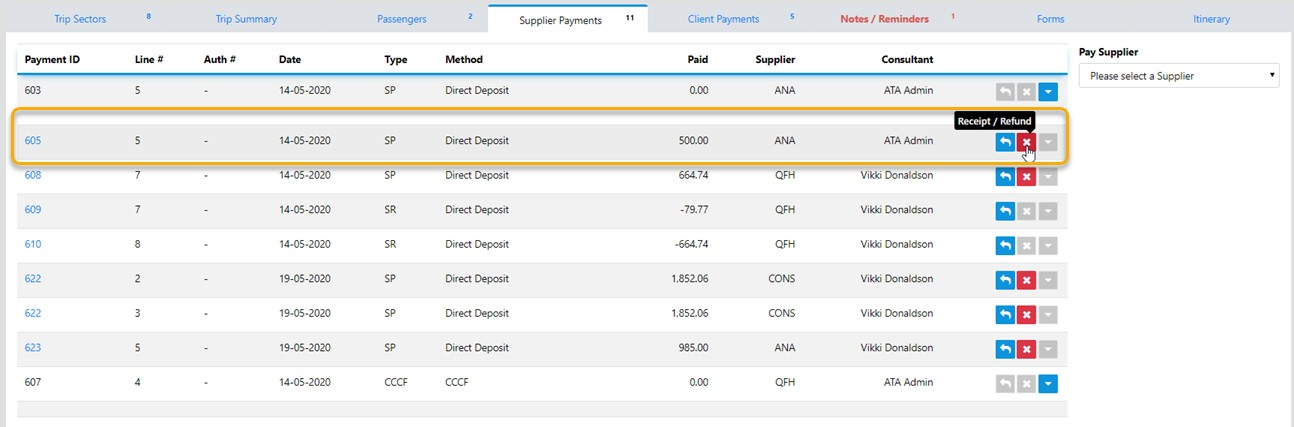
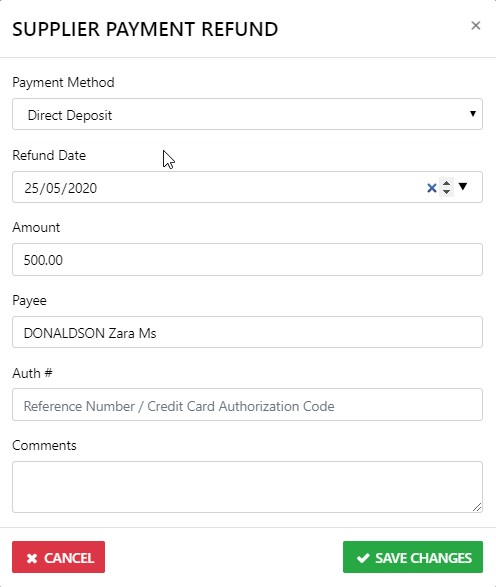
In the case where an amount greater than the net has been paid to the Supplier you can receipt the funds via the Icon which will reveal the following
at which point you simply fill in the details and select Save Changes on completion
If you are unsure as to the best way to process a particular Refund call Vto Support for advice and assistance.